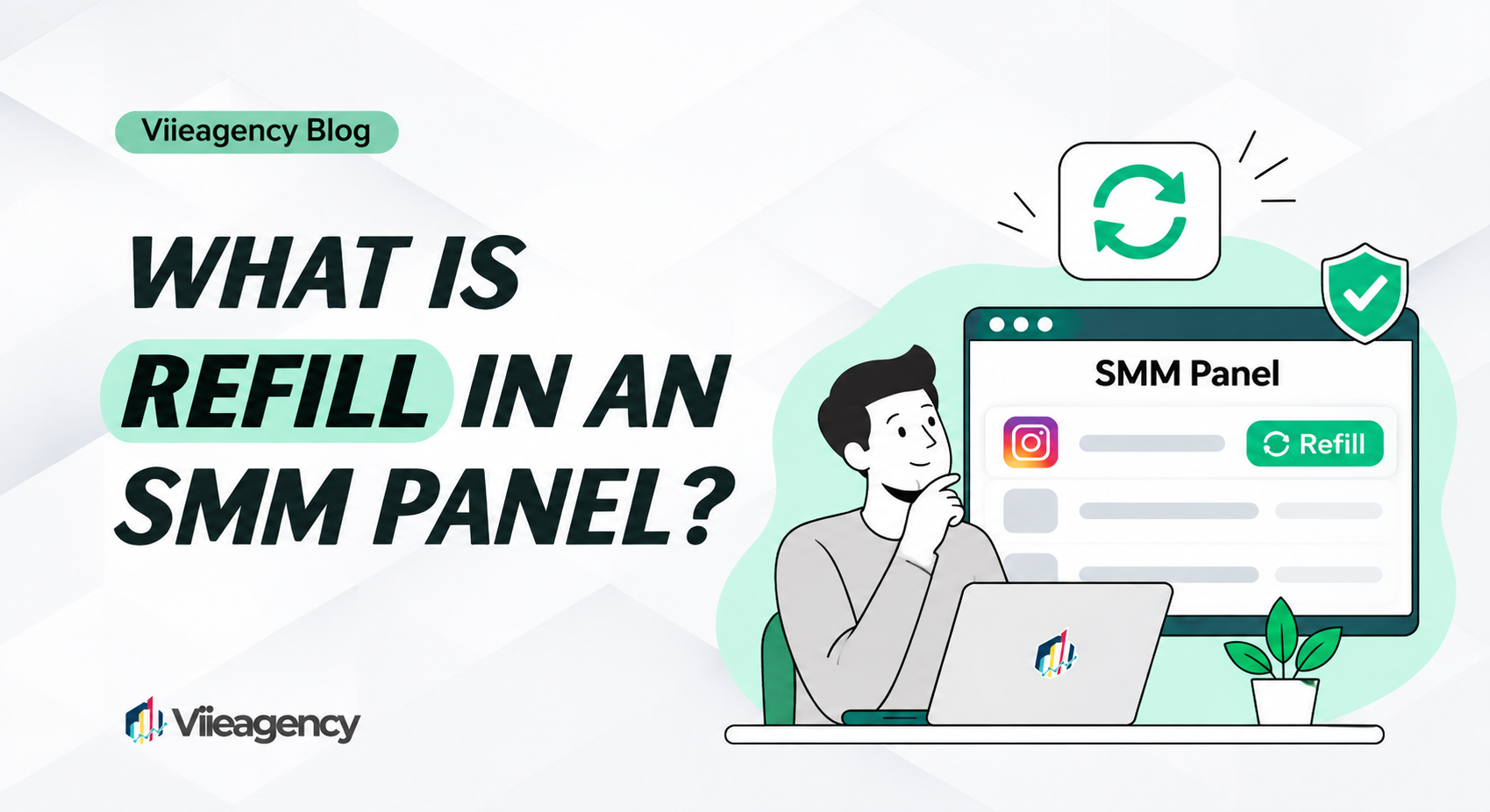
What Is Refill in an SMM Panel?
In an SMM panel, refill means the provider tops up an order when the delivered count drops within a set period. If you ordered 1,000 followers and 150 disappear during the refill period, a refill brings the count back to the amount delivered. This article explains why drops happen, the types of refill and when a refill does not apply.
Why do counts drop?
A drop is a fall in the delivered count after an order is completed. It happens for two main reasons:
- Platform clean-ups. Social platforms regularly remove accounts and activity they judge inauthentic or inactive.
- Accounts leaving. Accounts can unfollow, be closed or be suspended.
Drops are a normal part of how these services behave, which is why the refill terms matter as much as the price.
Types of refill
- No refill: the order is delivered once. Later drops are not covered.
- Time-limited refill: drops are covered for a stated period, commonly 30, 60, 90 or 365 days.
- Lifetime refill: drops are covered for as long as the service exists. Read the terms: “lifetime” refers to the service, not to your account.
- Auto-refill: the system checks the count and tops it up without a request.
- Refill button: you request the refill yourself from the order page.
The refill type is written in each service’s name or description on the services page.
When a refill does not apply
- The count is below the start count. If the number falls under the level recorded before the order, the system cannot tell which units were yours.
- The link changed. A new username, a deleted post or a profile set to private usually ends refill cover.
- Orders overlap. Buying the same service for the same link from another provider at the same time makes drops impossible to attribute.
- The refill period has ended.
- The service was discontinued by the upstream provider.
Refill vs refund
A refill restores the count. A refund returns money, usually to your panel balance, when an order cannot be delivered or is only partly delivered. A drop after a completed order is normally handled by refill, not by refund. Our rules are in the terms.
How to request a refill
- Open your order history and find the order.
- If a refill button is shown, click it. Buttons usually become active some time after completion, often 24 hours.
- If there is no button but the service includes refill, open a support ticket with the order ID.
- Wait for processing. Refill times vary by service.
Refill and drip-feed
Drip-feed spreads delivery over time; refill covers what happens after delivery. They can be combined: the refill period normally starts when the last drip-feed run is completed.